Topics
Introduction to ICT
Creating Textual Communication
- Purpose of Creating Textual Documents
- Word Processor Basics
- Keyboard Functions
- Creating and Formatting a Document
- Saving and Opening Documents
- Text Formatting
- Error Detection Tools
- Cut, Copy and Paste
- Bullets and Numbering
- Tables in LibreOffice
- Inserting Images in LibreOffice
- Headers and Footers
- Print Preview and Printing
- Protecting Documents
Creating Visual Communication
Creating Audio-Video Communication
Presenting Ideas
Getting Connected: Internet
Safety and Security in the Cyber World
Fun with Logic
CBSE: Class 9
Layers and Layer Management
Layering the Image in GIMP :

Step 1:
- Click on Tool → Transform Tool → Move
- It will move the image so that it’s positioned in the top-left corner of the canvas.
Step 2:
- Click on Edit → Copy
- It will copy the image duplicated or pasted elsewhere.
Step 3:
- Edit → Paste As → New Layer
- It creates a new, independent layer containing the same image content and allows it to be manipulated separately from the original.
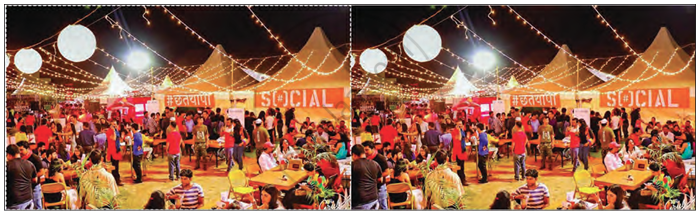
For example : Copied Image